
Maps.me Routes – Sanabres Way
Using Maps.me is very easy, and you will have all the maps downloaded on your phone.
Follow the instructions in the images below.
1.- Install Maps.me from Google Play or the App Store:
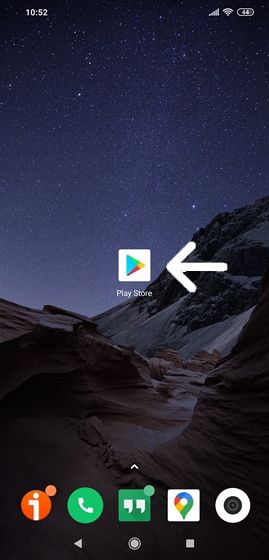
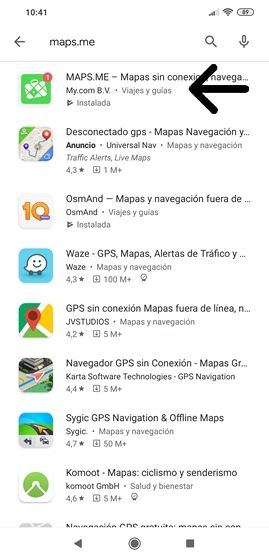
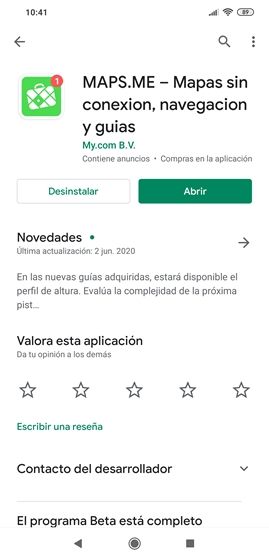
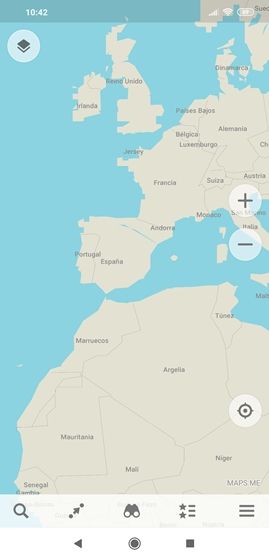
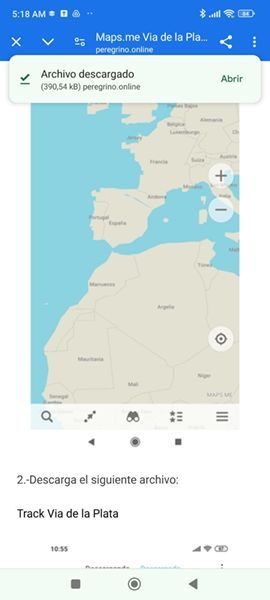
2.- Download the following file:
3.- Open:
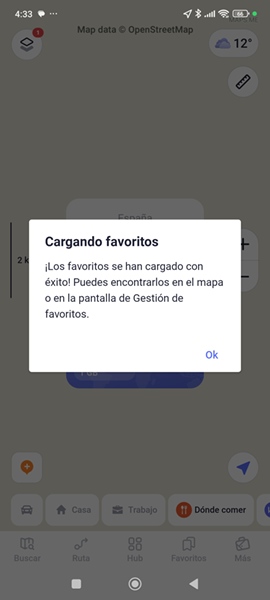
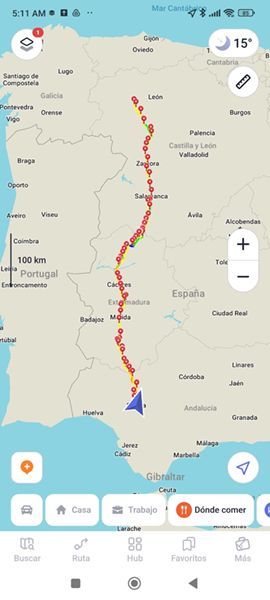
4.- Download the maps: zoom in on the map.
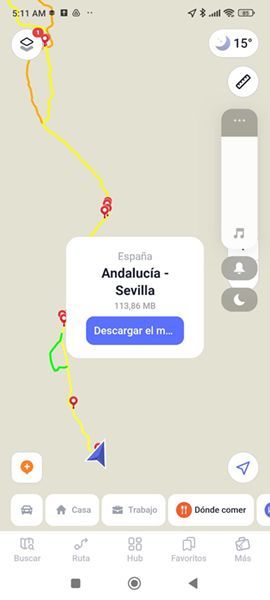
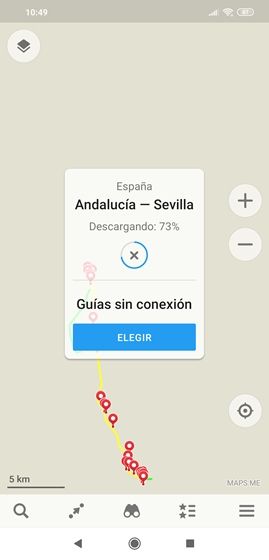
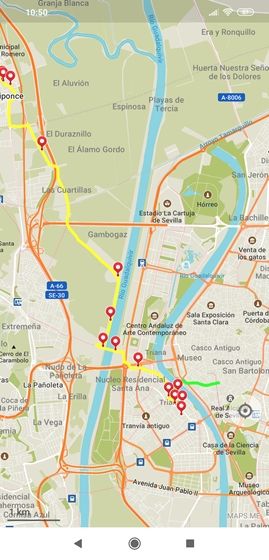
NOTE: Maps.me does not support different types of icons. For this reason, and to avoid confusion, only hostel and hotel icons have been included.
Maps.me Routes – Sanabres Way
Using Maps.me is very easy, and you will have all the maps downloaded on your phone.
Follow the instructions in the images below.
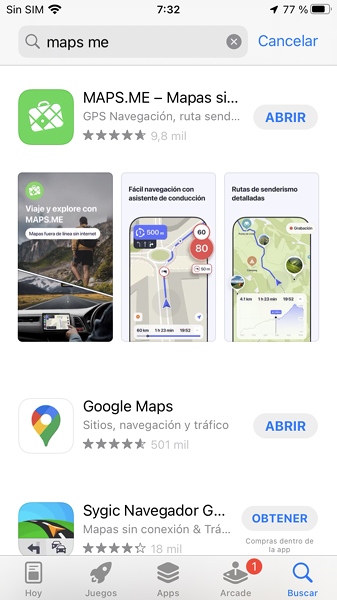
1.- Install Maps.me from the App Store:
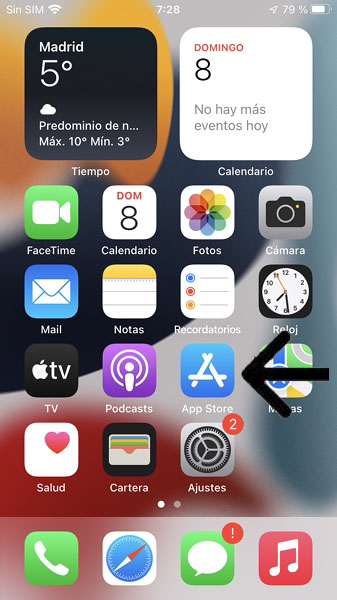
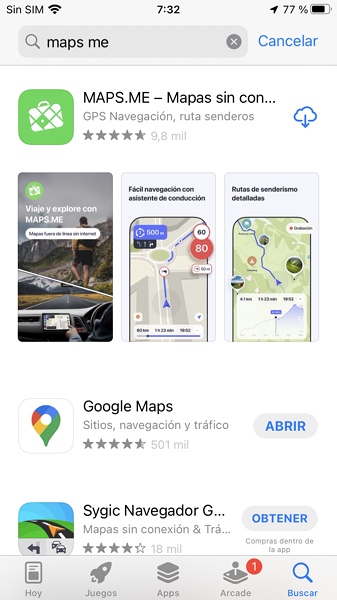
2.- Download the following file:
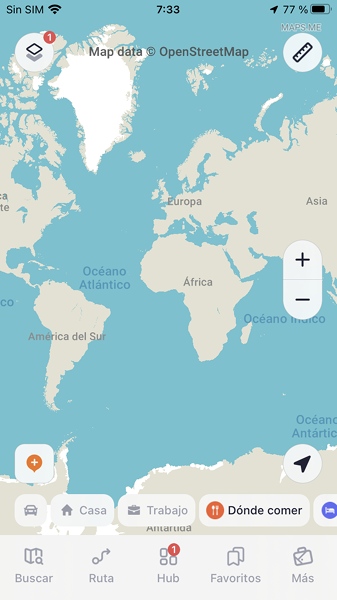
3.- Open:
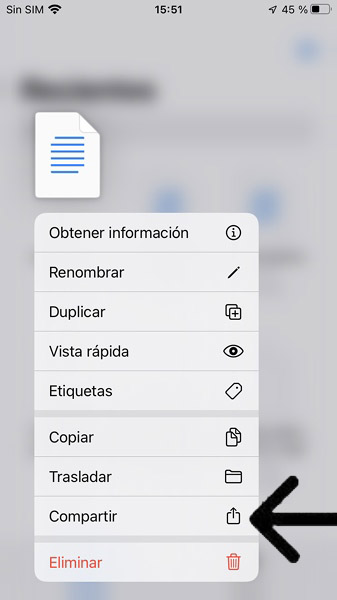
Go to the Files folder and find the file you just downloaded. Press and hold the file, and in the window that appears tap Share.
Choose Maps.me.
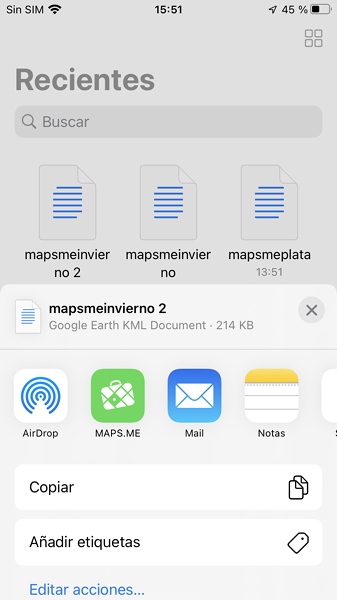
The track will be saved in Favorites.
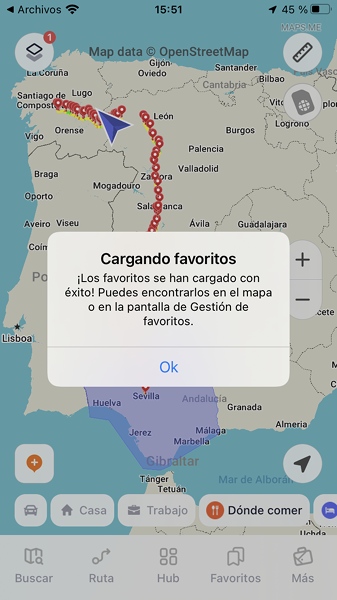
4.- Download the maps: zoom in on the map.
NOTE: Maps.me does not support different types of icons. For this reason, and to avoid confusion, only hostel and hotel icons have been included.